BUG: Extension loses autofill after Passkey is added to an existing entry
Summary
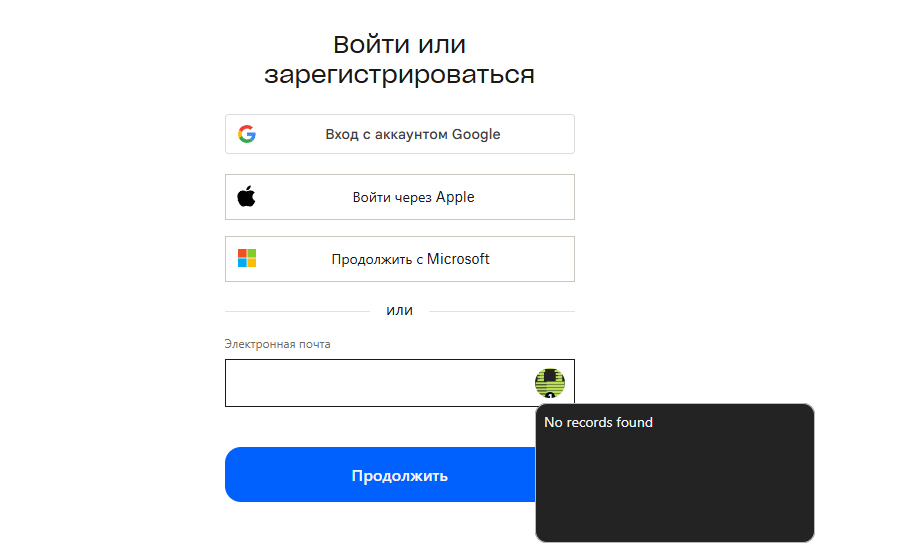
When a Passkey is added to an existing vault entry, the browser extension stops recognizing that entry for autofill — showing "No records found" — until a new separate entry is created for the same site.
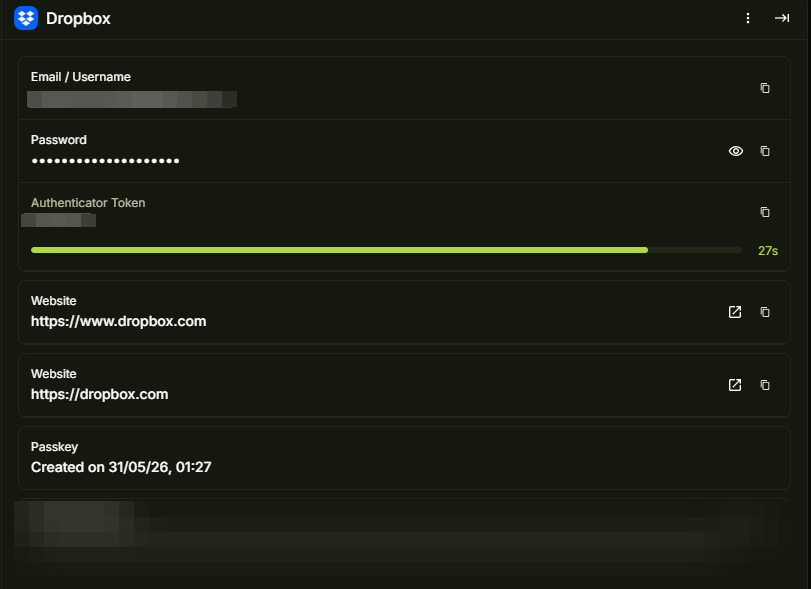
Steps to reproduce
1.Create a vault entry with a username + password for a site.
2.Verify the extension autofills credentials correctly.
3.Add a Passkey to the same entry.
4.Navigate to the site's login page and trigger autofill via the extension.
Actual
Extension shows "No records found" — entry is no longer matched to the site.
Workaround
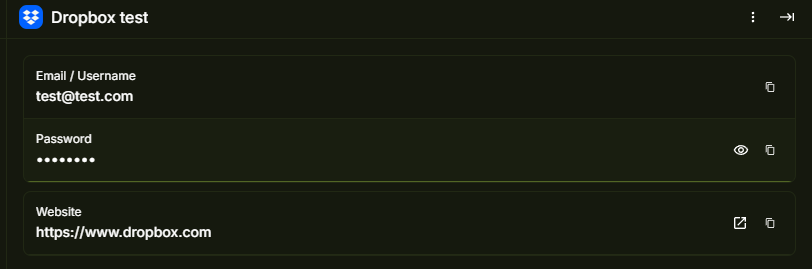
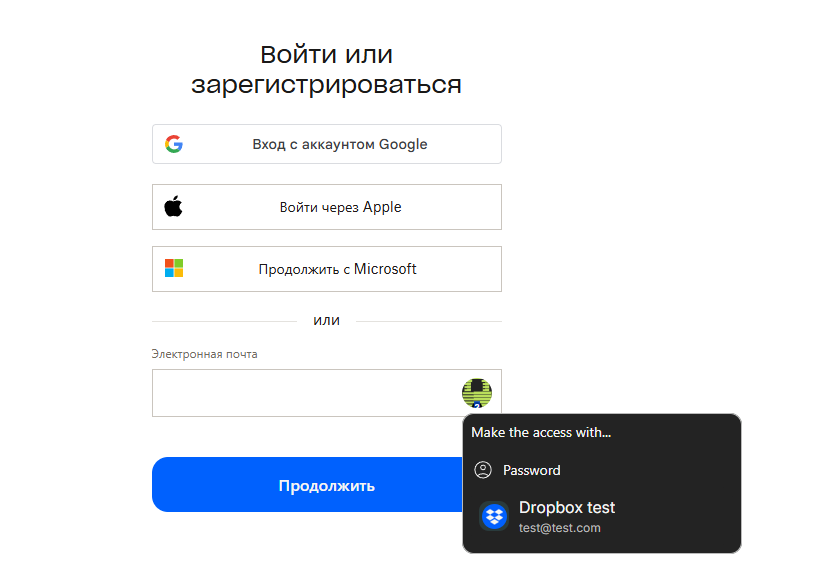
Creating a new separate entry for the same site restores autofill
Root cause hypothesis
Adding a Passkey may alter the entry's internal type, URI matching logic, or record structure in a way that causes the extension's site-matching query to exclude entries that contain a Passkey credential.
Requested fix
Ensure that adding a Passkey to an entry does not break existing username/password autofill matching. Both credential types should coexist in a single entry and be independently discoverable by the extension.
I checked on the Dropbox website
After creating a new record
Log in to comment and vote
Comments1
Dotpwnpewpew
May 31
Environment:
Windows 11 25H2 (26200.8457)
PearPass: App version2.1.0